Android and iPhone

Potter Slots mobile casino for Android and iPhone

Potter Slots can be opened from a modern mobile browser, giving Android and iPhone users access to the lobby, games, account controls, bonuses and cashier without changing the main desktop account.

The layout adapts to a narrow screen with compact navigation and touch-sized controls. A stable connection and an up-to-date browser are more important than high-end phone hardware for normal lobby browsing.

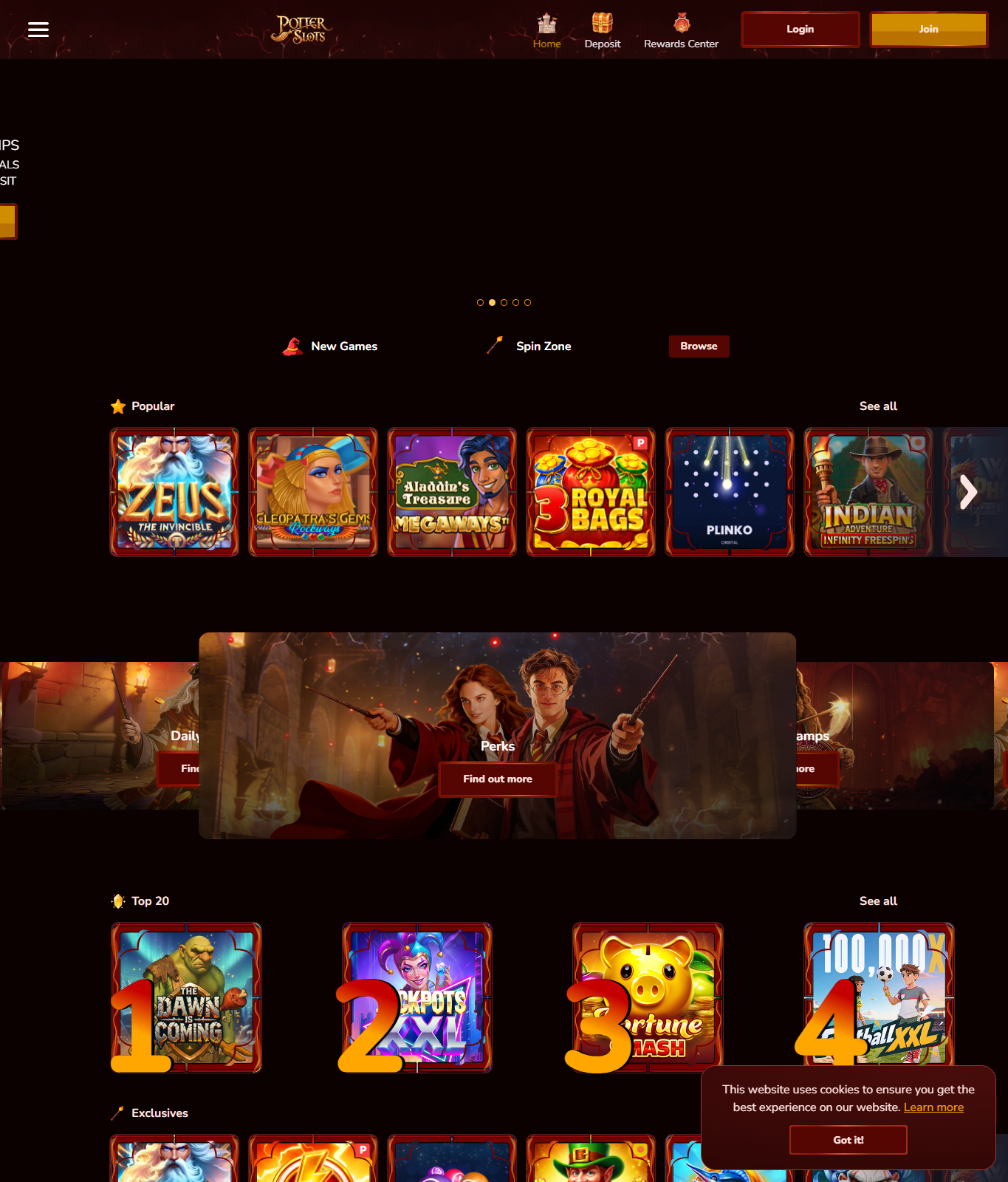
Potter Slots casino lobby displayed in a mobile browser
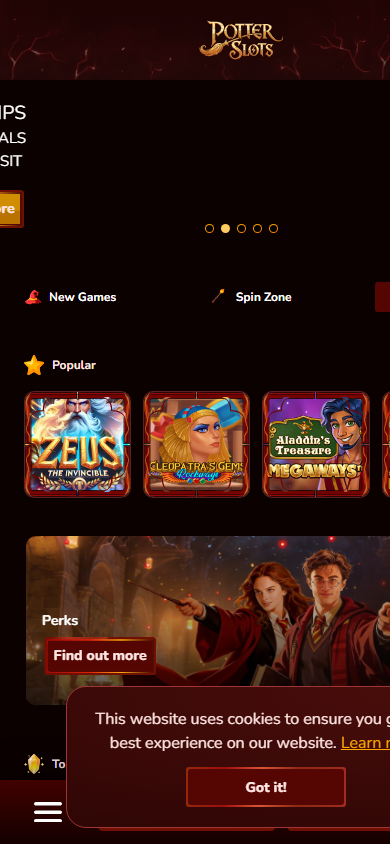
Potter Slots mobile lobby on a narrow phone screen
Mobile compatibility

Potter Slots phone characteristics

The following specifications are practical recommendations for a smooth browser experience, not official minimum system requirements from the casino operator. Older devices may still work, while game performance can vary by provider.

Android

Android 10 or newer, current Chrome or Firefox, at least 3 GB RAM and a screen width of 360 pixels or more.

iPhone

iOS 16 or newer, current Safari, a supported modern iPhone and enough free memory for several browser tabs.

Connection

Stable Wi-Fi, LTE or 5G. Live games and animated slots perform better on a consistent low-latency connection.

FeatureAndroid phonesiPhone
Recommended browserGoogle Chrome or FirefoxSafari or Chrome
Suggested OSAndroid 10 or neweriOS 16 or newer
Screen orientationPortrait for lobby, landscape when supported by a gamePortrait for navigation, landscape for wider game controls
InstallationBrowser access; a home-screen shortcut may be addedBrowser access; Add to Home Screen is available in Safari
PaymentsBrowser cashier with switching to a banking or wallet app when requiredBrowser cashier with iOS app switching and return to Safari
Best connectionPrivate Wi-Fi, LTE or 5GPrivate Wi-Fi, LTE or 5G
Android experience

Potter Slots on Android phones and tablets

Chrome and Firefox compatibility

Android users can access the mobile website through a current version of Chrome or Firefox. Chrome normally provides the most predictable full-screen behaviour, saved login support and home-screen shortcuts. Firefox is a useful alternative for players who prefer stronger tracking controls. JavaScript and cookies need to be enabled for account sessions, menu actions and game launch controls to work correctly.

Recommended Android hardware

A recent mid-range phone with at least 3 GB RAM should be comfortable for the lobby and most HTML5 games. Devices with 4 GB RAM or more handle animated slots, multiple tabs and switching to a payment app more reliably. A screen resolution around 720p or higher keeps game text and buttons clearer, but the responsive page can fit common 360-pixel phone widths. These are comfort recommendations rather than operator guarantees.

Home-screen access without an APK

The browser page can be saved to the Android home screen from the Chrome menu. This creates a shortcut that opens the website quickly but does not turn it into a verified native casino application. Avoid downloading APK files from advertisements, file-sharing sites or unofficial stores. A third-party APK can request unnecessary permissions or imitate the account login screen.

Potter Slots game lobby used from desktop and responsive phone browsers
The same game categories are available through the responsive lobby

Performance and battery use

Animated games use more graphics processing, battery and mobile data than ordinary web pages. Closing background applications can reduce reloads on phones with limited memory. A device may become warm during a long session, especially at high brightness or while charging. Lowering brightness, disabling unnecessary background syncing and taking regular breaks can improve comfort without changing game results.

iPhone experience

Potter Slots on iPhone and iPad

Safari as the primary browser

Safari is the standard option on iPhone and uses the current iOS web engine. The Potter Slots lobby should scale to modern iPhone screens in portrait mode, while individual games may offer a wider landscape layout. Chrome on iOS is also usable, but it relies on the same underlying browser engine. Updating iOS keeps certificate handling, graphics support and browser security current.

Add the website to the Home Screen

Safari includes an Add to Home Screen action in the Share menu. The resulting icon is a shortcut to the website, not confirmation of an App Store application. Open the shortcut and verify the domain before entering credentials. If the page redirects to an unfamiliar address or requests configuration profiles, close it and return through the known website route.

iPhone privacy and session behaviour

Private Browsing can reduce stored history, but it may also remove the convenience of saved sessions and cookie preferences. Standard Safari mode is generally more predictable for returning to the cashier after switching apps. Face ID can protect the device, but it does not replace a unique casino password. Avoid saving account access on a shared iPad or a phone that other people can unlock.

Landscape games and the Dynamic Island

Some game interfaces work better in landscape orientation. On newer iPhones, the camera area or Dynamic Island can reduce usable space near the edge, so important controls should remain inside the game's safe area. If a button is obscured, return to portrait, reopen the game or use browser zoom rather than tapping blindly near the screen edge.

Mobile features

Games, bonuses and payments on a phone

HTML5 game lobby

The mobile lobby presents game categories as touch-friendly rows and tiles. Slot artwork can load progressively, so allow the page to finish before opening several games. Check the information panel for stake range, feature rules and bonus contribution. Portrait orientation is convenient for browsing, while landscape may provide more room inside reels or live dealer tables.

Bonus and account access

Bonus status should be reviewed from the account area rather than inferred from a banner. Wagering, eligible games, maximum bet and expiry remain the same account conditions on Android, iPhone and desktop. Switching devices does not reset bonus progress. A player should confirm the current balance and promotion state before continuing a session started elsewhere.

Mobile cashier

Deposits may require switching from the browser to a banking or wallet application and then returning to the website. Confirm the amount, currency and account holder before approving. Keep the browser tab open until the cashier reports a completed or pending status. Repeating a payment because the page did not refresh immediately can create duplicate transactions.

Data and connection quality

Lobby browsing uses relatively little data compared with live video or highly animated games. Live casino streams can consume substantially more and may react poorly to unstable public Wi-Fi. A private connection is preferable for both performance and account security. If the signal changes between Wi-Fi and cellular data during a payment, wait for the cashier status before trying again.

Play now